Upload an image or enter a prompt, then generate to create your result.
Enhance images to professional quality with AI. Improve sharpness, clarity, colors, reduce noise automatically. Transform photos instantly.
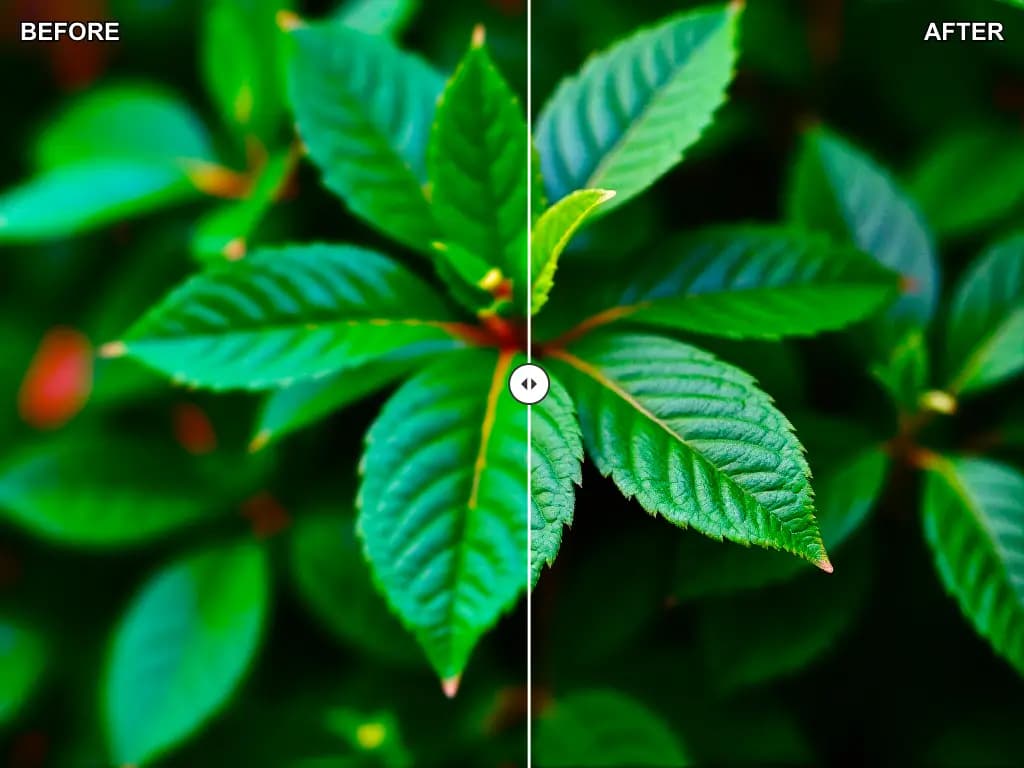
Use AI Image Enhancer when you want AI image workflow results from a prompt or source image.
Start from a prompt or source image so the result is easier to judge against the actual subject, asset, or brief you care about.
Generate multiple passes when you want to test variations around the actual task, target format, and output goal without rebuilding the task from scratch.
Use the strongest result as a discussion asset, then decide whether it is ready, needs refinement, or should be dropped after reviewing whether the result solves the task it was created for.
The workflow is strongest when you review whether the result solves the task it was created for instead of treating the first output as automatically final.
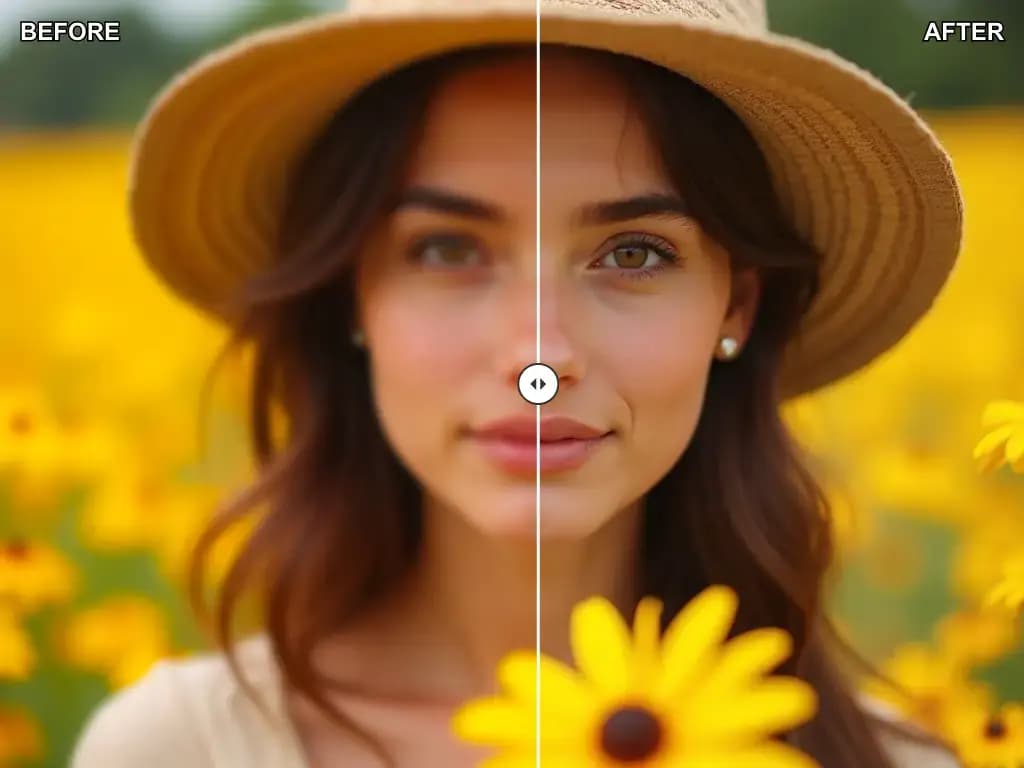
Practical questions about AI Image Enhancer, input quality, and output review.
Upload the right source image, generate a first pass, and export only the version that fits the actual job.
Choose a photo with an obvious subject and enough detail to support the specific effect or transformation you want to test.
Guide the result with a prompt when needed, then generate a first version that is strong enough to review against the original image.
Keep the strongest output, iterate if necessary, and export only the version that is credible for the workflow you have in mind.
Built for AI image workflow tasks where prompt clarity, review quality, and workflow speed all matter.
The workflow is built to create AI image workflow results instead of treating every image request as the same kind of generation job.
Use clearer instructions around the actual task, target format, and output goal so the result feels more intentional and less generic.
Starting from a prompt or source image usually helps preserve the parts of the image that still matter while the effect does the creative work.
Generate a few viable versions quickly so feedback becomes more concrete, practical, and easier to act on.
Keep the strongest result for internal reviews, creative planning, social content, or other workflow-specific delivery needs.
If the core direction works, the image can move into later tools for enhancement, cleanup, or a more delivery-ready export pass.
Representative workflows where AI Image Enhancer helps teams or individuals compare options and move faster.
Use AI Image Enhancer during campaign draft generation when a faster visual draft helps teams compare options and decide whether the result is worth refining.

Campaign Draft Generation
Workflow use case
Use AI Image Enhancer during content production support when a faster visual draft helps teams compare options and decide whether the result is worth refining.

Content Production Support
Review use case
Use AI Image Enhancer during product or listing prep when a faster visual draft helps teams compare options and decide whether the result is worth refining.

Product Or Listing Prep
Workflow use case
Use AI Image Enhancer during creative direction testing when a faster visual draft helps teams compare options and decide whether the result is worth refining.

Creative Direction Testing
Review use case
Use AI Image Enhancer during cross-functional asset requests when a faster visual draft helps teams compare options and decide whether the result is worth refining.

Cross-functional Asset Requests
Workflow use case
Use AI Image Enhancer during refinement before export when a faster visual draft helps teams compare options and decide whether the result is worth refining.

Refinement Before Export
Review use case
Start with a clear input, review a few strong outputs, and keep only the result that solves the real task.
